
Most unpaid invoices are not disputes—they are distractions. Your client forgot, misplaced the invoice, or deprioritized payment behind other work. Invoice reminder software helps you send the right message at the right time, but the content still matters. A good reminder email is short, specific, and easy to act on.
Use a subject line that gets opened
Avoid vague subjects like "Following up" or "Quick question." Lead with the invoice reference and due context so accounts payable can route it quickly.
- Invoice #1042 — payment due June 15
- Reminder: Invoice #1042 ($4,200) — 7 days overdue
- Action needed: outstanding balance on Invoice #1042
Open with context, not confrontation
Start with a neutral greeting and one sentence of context. Assume good intent. A professional tone preserves the relationship while making payment the obvious next step.
Example: "Hi Sarah, I hope your week is going well. This is a friendly reminder that Invoice #1042 for $4,200 was due on June 15 and is currently outstanding."
Include a payment summary block
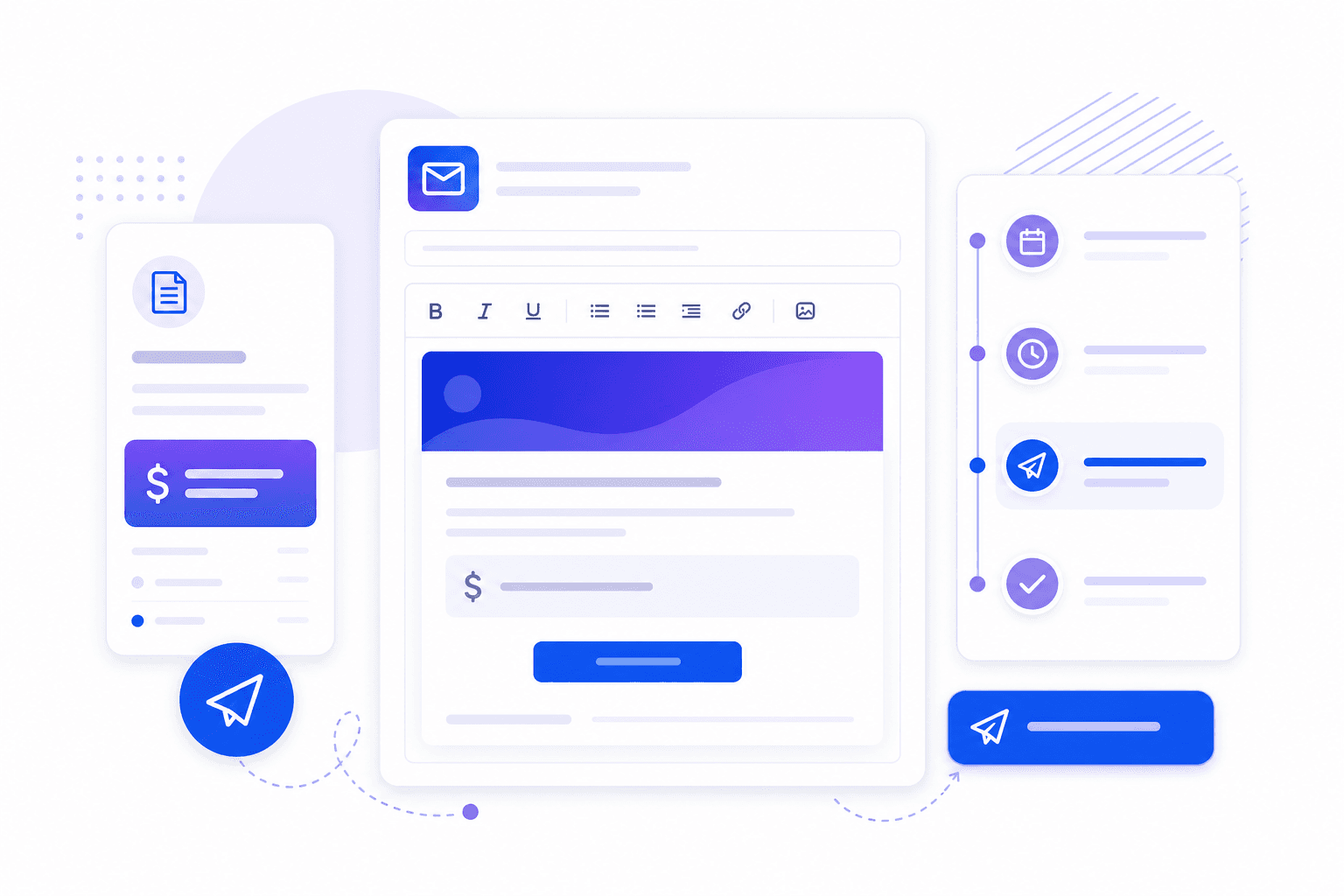
Make key details scannable. A summary table or bullet list reduces back-and-forth and speeds up approval.
- Invoice number and issue date
- Amount due (and currency)
- Original due date and days overdue
- Accepted payment methods
- Billing contact or AP email if different from the recipient
Match tone to overdue stage
Early reminders should sound helpful. Later reminders should be direct but still professional. Escalation is about clarity, not aggression.
- Before due date: confirm details and offer help.
- 1–14 days overdue: polite reminder with invoice attached or linked.
- 15–30 days overdue: request confirmation of payment status and timeline.
- 30+ days overdue: state next steps if payment is not received by a specific date.
Attach the invoice every time
Do not assume the original invoice is easy to find. Reattach the PDF or include a secure link. Missing attachments are one of the most common reasons reminder emails stall in AP queues.
Send from a recognizable sender
Use a consistent from-name and reply-to address your clients recognize—your company name or finance team, not a no-reply address that blocks questions. If you use accounts receivable software, keep branding consistent across invoice and reminder emails.
Automate the sequence, personalize when needed
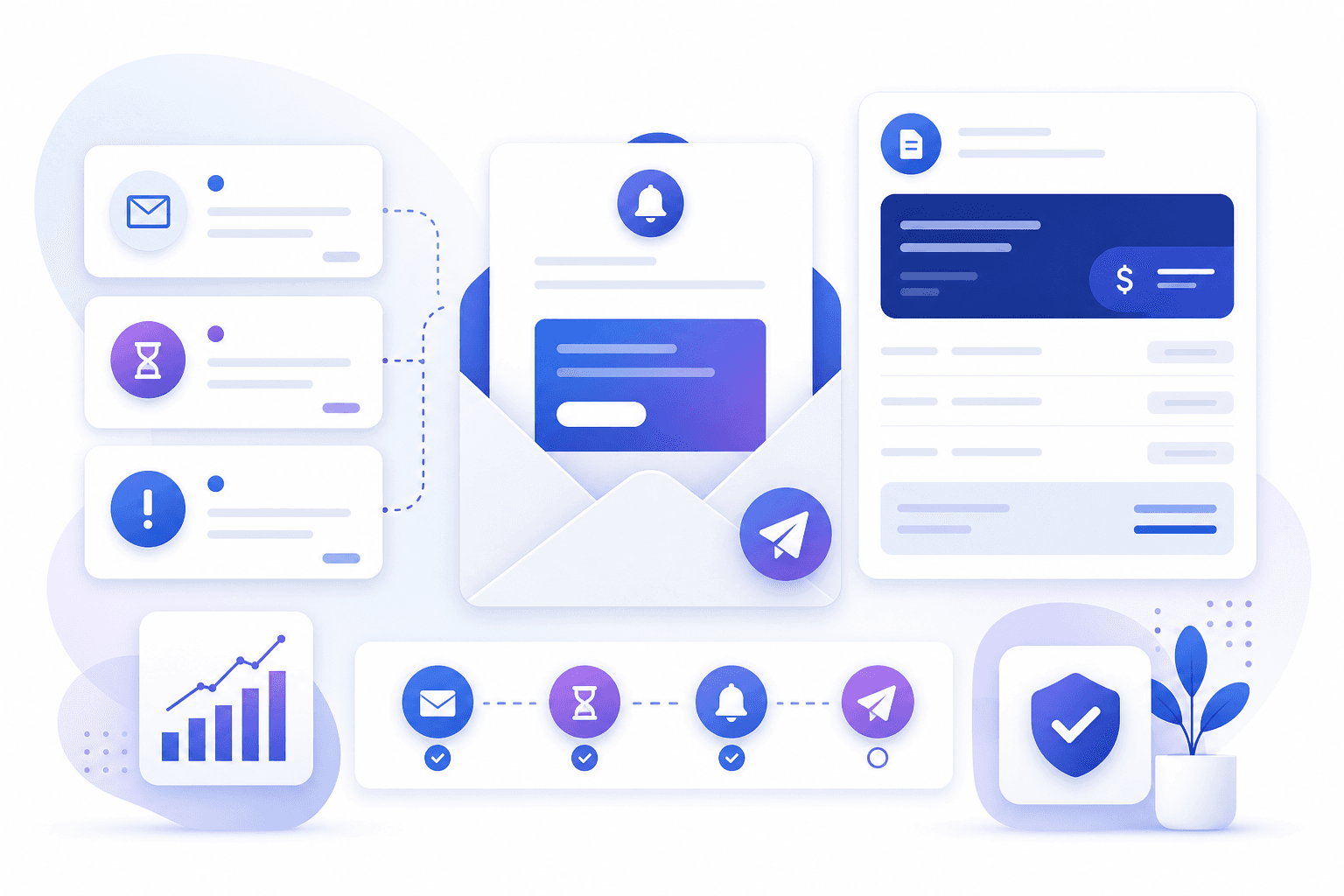
Automated reminder sequences improve consistency. Personalize only when context requires it—a disputed line item, a known delay, or a strategic account. Arrexia supports reminder workflows and history so your team can automate routine follow-up and intervene manually when relationships need a human touch.
Track what was sent and what happened next
Invoice tracking is incomplete without reminder history. Record sends, replies, and promised payment dates. That visibility improves cash flow management and prevents your team from sending duplicate reminders that frustrate clients.

About the author
Mohammed Otoom
Founder of Arrexia
Mohammed Otoom has spent decades building companies, SaaS products, fintech solutions, education technology platforms, and business software. Through Arrexia he shares practical strategies for improving cash flow, reducing overdue invoices, and modernizing accounts receivable operations.
Get practical cash flow insights.
Receive occasional articles and tools to help you reduce overdue invoices and improve collections.
Simplify collections with Arrexia
Automate reminders, track payments, and reduce overdue invoices.
Related articles
How to Reduce Overdue Invoices Without Damaging Client Relationships
Read article